1
Team environments
Dataflow gives every teammate the same managed environment instead of ad-hoc notebook-level package installs.



Start Building Instantly. Skip the setup and get a fully configured workspace with the compute, environments, and apps you need in seconds.
Get Startedin the Dataflow app
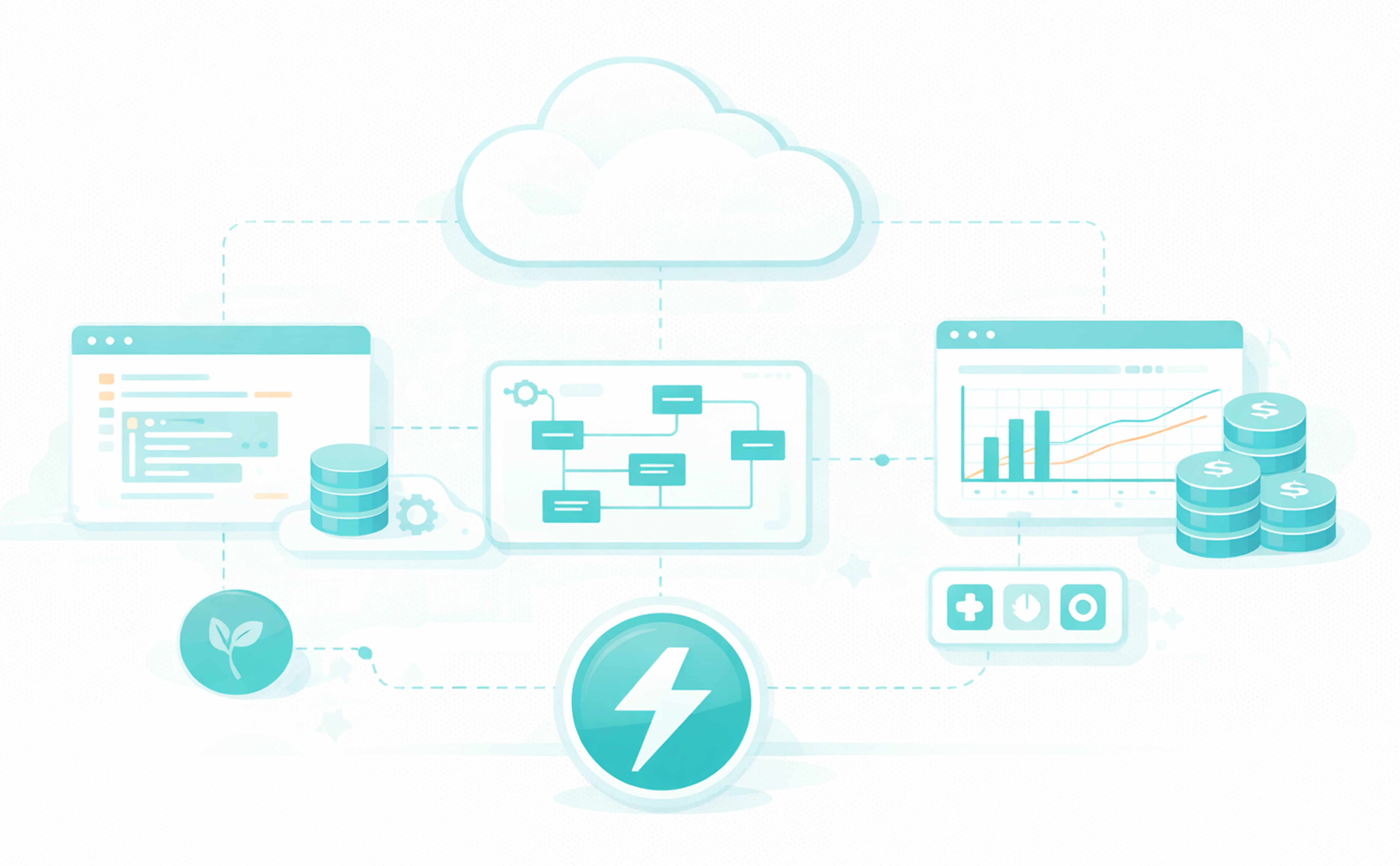
A complete development workspace designed for data engineers and developers. No configuration required.

Select CPU or GPU instances based on your workload. Scale up for training models, scale down for ETL jobs.

VS Code, Jupyter, Airflow, and more—fully configured and ready to use. No manual setup or installation.

Shared, reproducible environments across all applications. No dependency conflicts, no setup time.

Securely store and access API keys, database passwords, and cloud credentials. Available across all apps automatically.

Connect to PostgreSQL, MySQL, Snowflake, and more. Configured once, available everywhere.

Compute, environments, secrets, connections, and applications—managed in one unified platform.
Traditional setups take hours or days. Install Python, configure virtual environments, set up databases, install applications, manage credentials. Dataflow removes all of that. You go from zero to building in minutes.
Get Startedin the Dataflow app 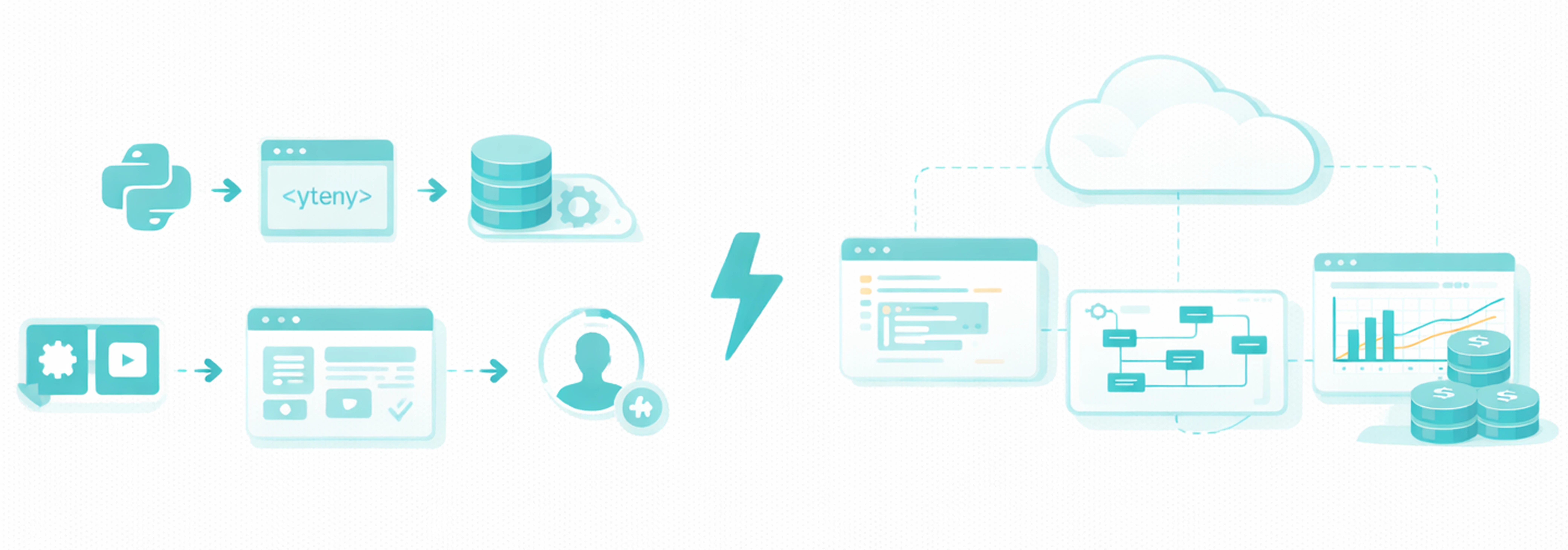
Comparison
For Google Colab users, Dataflow keeps the notebook experience but adds persistent team workspaces, shared environments, and production-grade deployment paths. For Databricks users, it is a cost-effective alternative with pre-configured tooling, faster onboarding, and less platform overhead.
Dataflow gives every teammate the same managed environment instead of ad-hoc notebook-level package installs.
Your files, apps, and dependencies stay available between sessions so teams do not rebuild context every day.
Jupyter work connects directly to Airflow orchestration and production deployment without hand-offs.
You can deploy on sovereign European cloud providers to satisfy strict governance requirements.
Choose the instance type that matches your task. Training machine learning models? Spin up a GPU instance. Running scheduled ETL jobs? Use CPU. Switch between them as needed.

Optimized for data transformations, ETL pipelines, and general-purpose workloads.

Accelerated compute for ML training, deep learning, and compute-intensive tasks.

Scale instances up or down based on workload. Pay only for what you use.